


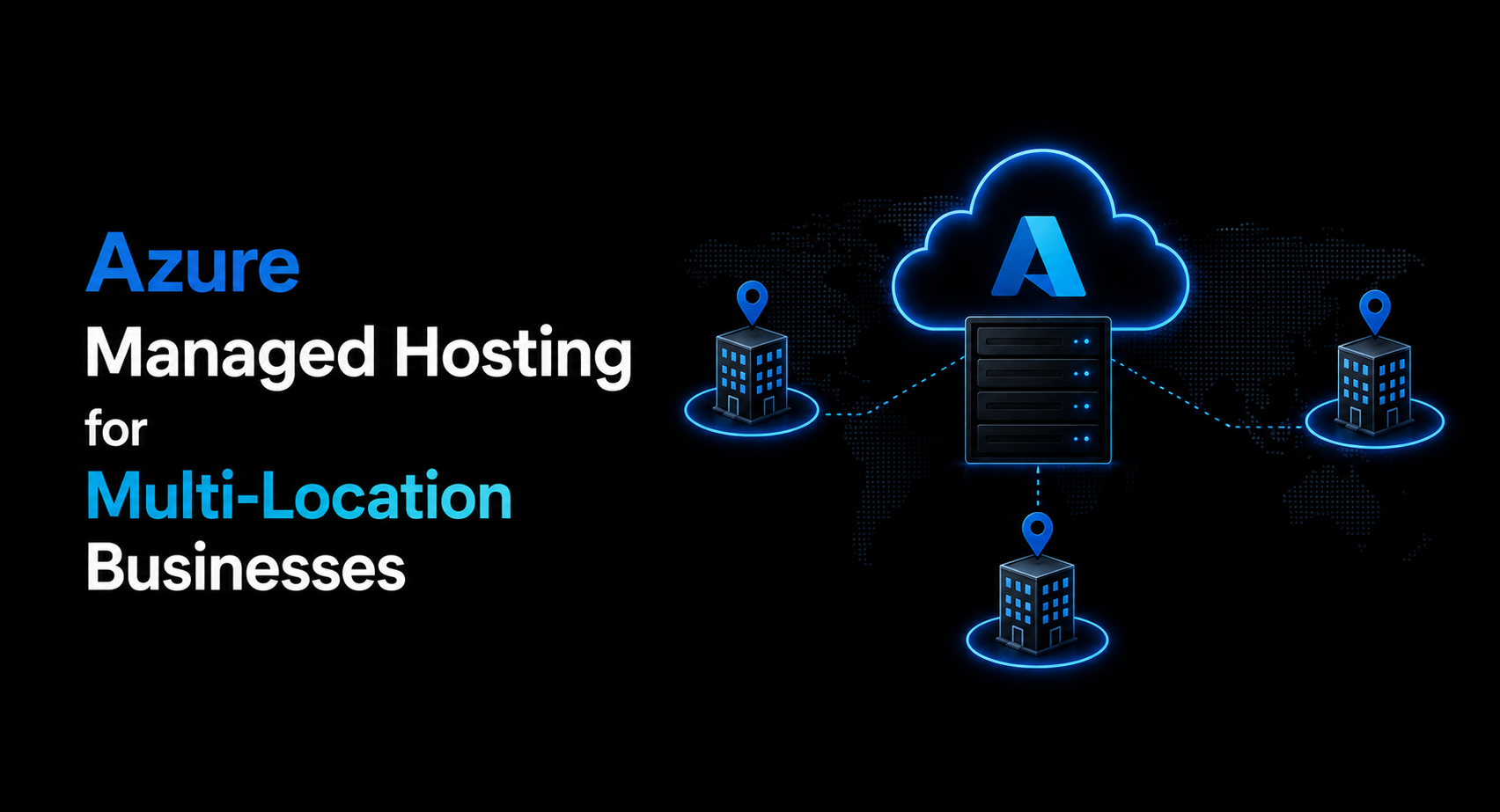
Azure Managed Hosting for Multi-Location Businesses
Running a business across multiple locations introduces a layer of IT complexity that single-site companies never have to deal with. Every additional office, branch, or warehouse means another network to secure, another set of users to support, and another point of potential failure. When something goes wrong at one location, it can ripple across the entire organization if your infrastructure isn’t built to handle distributed operations.
This is exactly the kind of challenge Azure managed hosting is designed to solve. Instead of stitching together separate IT environments for each location, businesses can centralize their infrastructure in the cloud and let a managed service provider handle the heavy lifting. The result is consistent performance, unified security, and centralized control, no matter how many locations are part of the picture.
Why Multi-Location Businesses Struggle with Traditional IT
Companies with several branches or remote sites typically run into the same set of problems. Each location may have its own server room, its own backup schedule, and sometimes its own informal IT support arrangement. This decentralization makes it difficult to enforce consistent security policies, track licensing, or even know with certainty what software versions are running where.
Disaster recovery becomes especially complicated. If one location experiences a hardware failure, a fire, or a flood, recovering data and restoring operations can take days unless every site has invested independently in resilient backup infrastructure, which is expensive and rarely consistent across the organization. Add to this the rising cost of hiring and retaining IT staff at each location, and it becomes clear why so many multi-location businesses are moving toward a centralized, cloud-based model.
How Azure Managed Hosting Solves Multi-Location Challenges
Azure Managed Hosting centralizes your infrastructure in Microsoft’s global cloud, while a managed service provider handles the configuration, security, monitoring, and maintenance on your behalf. For businesses operating across multiple locations, this shift addresses several pain points at once.
1. Centralized infrastructure, distributed access
Instead of each location running its own servers, your entire business operates from a unified Azure environment. Every office, regardless of location, connects to the same secure infrastructure, accessing the same applications, files, and data in real time.
2. Consistent security across every site
Rather than relying on each location to maintain its own firewall rules, patching schedule, and access controls, Azure Managed Hosting applies uniform security policies across the entire organization. This eliminates the weakest-link problem where one under-secured branch office puts the whole company at risk.
3. Simplified IT management
With infrastructure centralized in Azure, your managed hosting provider can monitor, patch, and troubleshoot the entire environment remotely. There’s no need to dispatch technicians to individual locations for routine maintenance or minor issues.
4. Built-in scalability
Opening a new location no longer means provisioning new physical servers or rebuilding a local network from scratch. New offices simply connect into the existing Azure environment, dramatically cutting down setup time and cost.
5. Reliable performance regardless of geography
Azure’s global network of data centers means your business can route users to the nearest available resources, keeping application performance consistent whether your team is in Chicago, London, or Singapore.
Key Features Multi-Location Businesses Should Look For
Not every Azure Managed Hosting setup is built the same way, and businesses operating across multiple sites have a few non-negotiables worth prioritizing.
1. Site-to-site connectivity
Your provider should configure secure VPN or ExpressRoute connections that link each location directly into your Azure environment, ensuring fast, encrypted communication between sites.
2. Unified identity and access management
Using Azure Active Directory (now Microsoft Entra ID), employees across every location should be able to log in with a single set of credentials, with access permissions managed centrally rather than location by location.
3. Geo-redundant backup and disaster recovery
Data should be backed up across multiple Azure regions so that a disruption at one location, or even a full data center outage, doesn’t put your business data at risk.
4. 24/7 monitoring and support
With locations potentially spanning multiple time zones, round-the-clock monitoring ensures issues are caught and resolved before they impact operations at any site.
5. Centralized reporting and visibility
A good managed hosting provider gives you a single dashboard view of performance, security events, and resource usage across all locations, instead of forcing you to check in with each site individually.
Key Use Cases for Multi-Location Businesses
Azure Managed Hosting supports a wide range of scenarios that are common among distributed organizations.
Retail chains with multiple storefronts can centralize point-of-sale systems, inventory management, and customer data while still giving each location fast, local access to applications. Healthcare networks with several clinics can host electronic health records in a HIPAA-compliant Azure environment, ensuring every site meets the same regulatory standards. Professional services firms with branch offices can give every employee secure remote access to shared files and line-of-business applications, regardless of which office they work from.
Manufacturers with distributed plants can connect operational technology systems to a centralized Azure environment for monitoring and analytics, while logistics companies can host the applications that coordinate fleets and warehouses across regions from one unified platform.
What to Expect When Moving to Azure Managed Hosting
The transition typically starts with an infrastructure assessment, where your provider maps out every location’s current setup, connectivity needs, and compliance requirements. From there, they design an Azure architecture suited to your business, configure secure connections between each site, and migrate your applications and data with minimal disruption. Once your environment goes live, the hosting provider manages monitoring, patching, security updates, and ongoing support, allowing your internal team to focus on business priorities instead of infrastructure maintenance.
Final Thoughts
For businesses operating across multiple locations, fragmented IT infrastructure isn’t just inconvenient, it’s a genuine risk to security, performance, and growth. Azure Managed Hosting offers a way to unify operations across every site while offloading the day-to-day burden of managing that infrastructure to experts who do it full time.
If you’re ready to bring consistency and centralized control to your multi-location IT environment, Apps4Rent offers Azure Managed Hosting solutions built specifically for businesses with distributed operations. Their team handles everything from initial architecture design and secure site-to-site connectivity to 24/7 monitoring, security management, and ongoing support, giving every location the same level of performance and protection without the overhead of managing it in-house. With Apps4Rent, multi-location businesses get a single, reliable partner for infrastructure that scales as easily as the business does.
Frequently Asked Questions
1. How does Azure Managed Hosting connect multiple office locations securely?
Providers typically configure site-to-site VPN connections or Azure ExpressRoute to link each location directly into your centralized Azure environment, ensuring encrypted, reliable connectivity between sites.
2. Is Azure Managed Hosting cost-effective for businesses with many small locations?
Yes. Centralizing infrastructure in Azure typically reduces costs compared to maintaining separate servers and IT setups at each location, since businesses pay for the resources they use rather than provisioning hardware for every site.
3. Can new locations be added easily once we’re on Azure Managed Hosting?
Yes. New offices can connect into the existing Azure environment without needing separate infrastructure builds, making expansion significantly faster and less costly than traditional setups.
4. How does Azure Managed Hosting handle compliance across different locations or regions?
A centralized Azure environment allows consistent compliance policies, such as HIPAA, SOC 2, or GDPR requirements, to be applied uniformly across all locations, rather than managing compliance separately at each site.
5. What happens if one location experiences an outage or connectivity issue?
With geo-redundant infrastructure and 24/7 monitoring, issues at one location typically don’t affect operations at other sites, and your managed hosting provider can resolve connectivity problems remotely without on-site visits.







Leave a Reply